Native 1080P Video
Generate in native 1080P instead of upscaling a low-resolution draft. Keep more detail visible in subjects, products, environments, and camera movement.
Turn a written prompt or still image into a native 1080P video up to 30 seconds long with Native Audio, bringing visuals and synchronized sound together in one generation.
A bright seaside commercial where a child blows iridescent bubbles into the wind.
Demo 1 of 5 · Use the arrows to browse examples
Wan 3.0 turns prompts or still images into short clips where picture and sound are generated together.
Describe the subject, action, setting, camera path, and sound you want. Wan 3.0 uses those cues to build the visuals and soundtrack together instead of treating audio as a later production step.
The model is aimed at complete short-form scenes rather than isolated silent shots. Native 1080P, clips up to 30 seconds, and synchronized audio provide room to open a scene, show the action, and land on a clear ending.
Use it for early concepts, social posts, product visuals, story scenes, ads, music-led clips, and other projects where movement and sound need to feel connected.
Native 1080P output, clips up to 30 seconds, synchronized audio, and practical controls for short-form scenes.
Generate in native 1080P instead of upscaling a low-resolution draft. Keep more detail visible in subjects, products, environments, and camera movement.
Use the longer runtime for a short narrative arc, product reveal, multi-beat social clip, or a scene with a clear beginning and ending.
Create audio with the visual sequence. Describe dialogue, ambient sound, action cues, or atmosphere for a more complete first draft than a silent export.
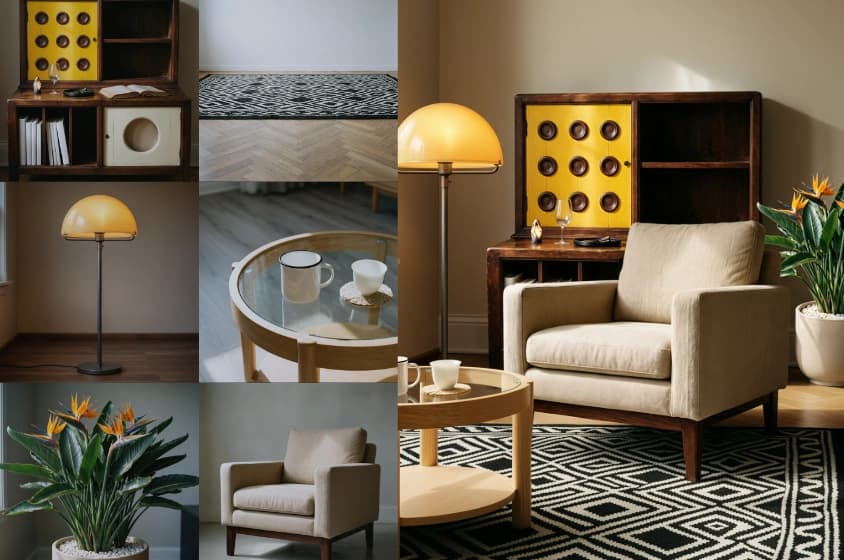
Begin from text or an image, then add image, video, and audio references to direct character, setting, movement, style, voice, or sound.
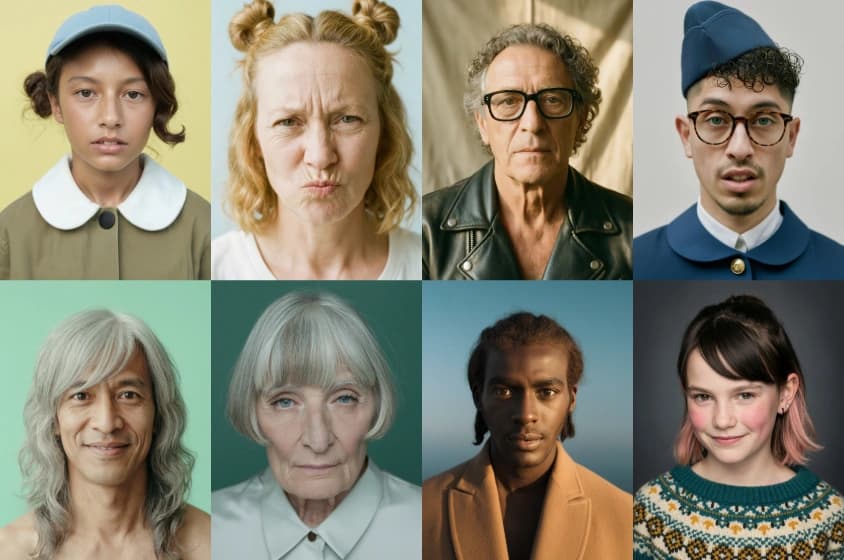
Keep important visual relationships easier to follow across a longer clip as characters, props, and spatial relationships develop.
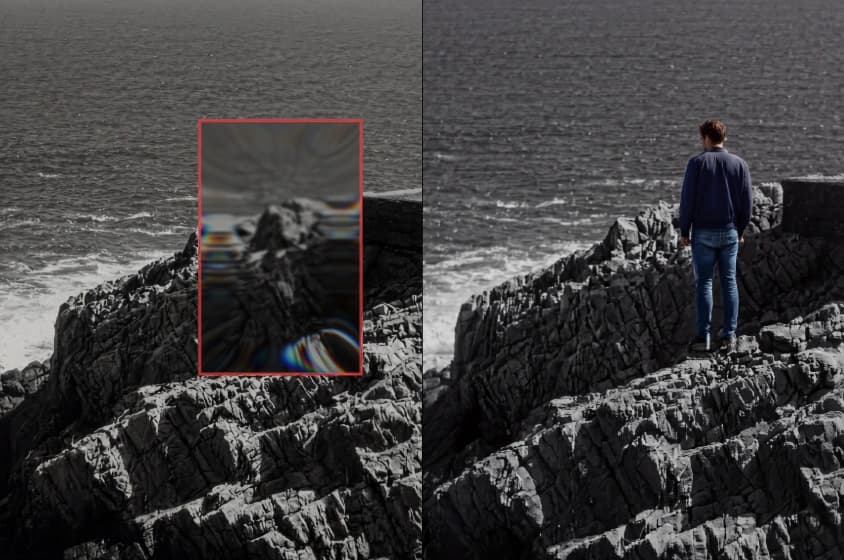
Choose vertical, square, or landscape framing, and define start and end frames when a scene must move between two visual states.
Explore new Wan 3.0 examples across narrative, product, animation, action, and atmospheric scenes.
Duel in the Withered Grass
The Lotus of Time
The Shoes That Breathe
First & Last Frame 10
The Magic Acorn
Sword of the Blue Lotus
The Go Board City
Don't Go
The Sunken City Beneath the Line
Ambush from Ten Sides
Moonlit Bamboo
WAN Cloud Glass Homepage
Bed Above the Clouds
Rhythm of the Dough
Street Corner Collage Poster
Hangzhou in Ink
Plush Cake on the Arc de Triomphe
Midnight at the Gas Station
The Minimal Camera
The Lace Shirt Try-On
One Arrow, One Dragon
Mecha Orbital Drop
The Great Plush Escape
A Day with Plush WAN
Write a clear scene, add references when needed, then generate and refine a complete short video.
Describe the subject, action, setting, shot type, camera movement, lighting, dialogue, and ambient sound in concrete instructions.
Add image, video, or audio references to lock a subject, product, movement, starting frame, style, or sound direction.
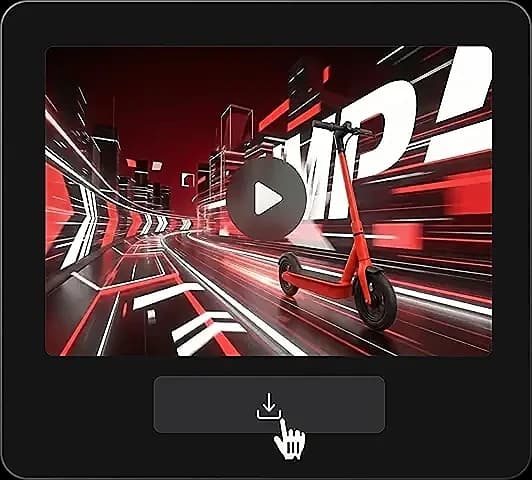
Review motion, detail, framing, and audio timing together, then share, download, or refine another version.
Specific shot notes, visible detail, and explicit audio cues help Wan 3.0 assemble a coherent scene.
Assign one sentence to each visual beat. Name what is on screen, what changes, and how the frame is composed.
Specify lighting, location, palette, lens distance, and movement in concrete visual terms.
Write dialogue verbatim and add ambient or action sounds that reinforce what happens on screen.
Avoid unrelated subjects and competing motion. One focal action gives the scene a stronger visual read.
For longer clips, break the action into distinct stages with a visible objective and a clear resolution.
State constraints inside the main prompt, such as no on-screen text or keep the character outfit unchanged.
Whether you are drafting social posts, product spots, or pre-visualization, Wan 3.0 lets teams watch and listen to an idea quickly.
Produce scenes for feeds, Shorts, and Reels with motion and audio together in one draft.
Convert a product still or campaign brief into a moving mock-up with a clear closing frame.
Test framing, blocking, pacing, and sound before locking a shoot or heavier production pipeline.
Generate a visual draft for a music-forward post, mood piece, or short performance sketch.
Animate existing product visuals and compare variants with different settings, camera moves, and sound accents.
Wan 3.0 changes the starting point. Use it when seeing and hearing an idea quickly matters most.
| Workflow area | Wan 3.0 AI Video Generator | Traditional production workflow |
|---|---|---|
| Starting material | A text prompt or still image | Script, shot list, locations, talent, and gear |
| Picture | Rendered as native 1080P video | Captured or animated, then edited |
| Clip length | Up to 30 seconds per run | Set by footage length and final edit |
| Audio | Produced together with the video | Recorded, licensed, and mixed separately |
| Iteration | Adjust the prompt or references and run again | Reshoot, re-render, or rebuild the timeline |
| Best fit | Ideation, short scenes, variations, and pre-visualization | Deliverables that demand full manual control and pixel-perfect finishing |
Wan 3.0 does not replace editing or full production. Use a traditional pipeline when the final deliverable needs exact performances, legal sign-off, or frame-level precision.
Extended runtime, synchronized audio, native 1080P, and flexible text or image entry points.
Each clip can run up to 30 seconds, giving an idea room for an introduction, a key action, and a final beat without splitting every moment into separate generations.
Synchronized audio is built into the generation instead of added later, making the first result easier to judge as a complete scene.
Native 1080P output fits standard publishing and editing pipelines without relying on an upscale from a tiny preview.
Start with words while a concept is fluid, or use an image when the subject or aesthetic is already set. Prompts steer motion, camera behavior, and audio.
Common questions about audio, resolution, duration, inputs, aspect ratios, and prompting in Wan 3.0.
Wan 3.0 turns text prompts or images into native 1080P video. Each run can reach 30 seconds with synchronized audio included.
Yes. Audio is created alongside the video so sound can track on-screen action and pacing. Add dialogue, ambience, and key effects directly to the prompt.
Wan 3.0 generates native 1080P video, a practical Full HD baseline for social posts, presentations, ads, and standard editing workflows.
Each Wan 3.0 video can reach up to 30 seconds. Choose a length that matches the number of visual beats in the scene.
Yes. Supply a prompt covering subject, setting, action, camera, lighting, and sound to assemble the clip.
Yes. Provide a starting image and describe how the subject, surroundings, camera, and audio should evolve.
Wan 3.0 accepts image, video, audio, and document references to guide character, environment, movement, voice, and overall sound.
Yes. Start-and-end-frame control is available for scenes that need fixed opening and closing visuals.
Wan 3.0 can infer the aspect ratio or use formats such as 16:9, 9:16, 1:1, 4:3, and 3:4.
Typical outputs include social scenes, product mock-ups, ad concepts, story previews, image animations, and other 1080P clips with synchronized audio.
It depends on the brief. An editor remains useful for captions, brand overlays, exact trims, color grading, and stitching multiple clips.
Focus on one scene with precise visual and audio language. Identify the subject, action, setting, framing, camera move, lighting, and sound.
Turn a prompt or image into a native 1080P clip up to 30 seconds long, with audio generated alongside the picture.
Try WanMotion